QR Code Analytics — What Metrics Actually Matter?
Scan counts are just the start. Here's how to read your QR code data to make real marketing decisions.
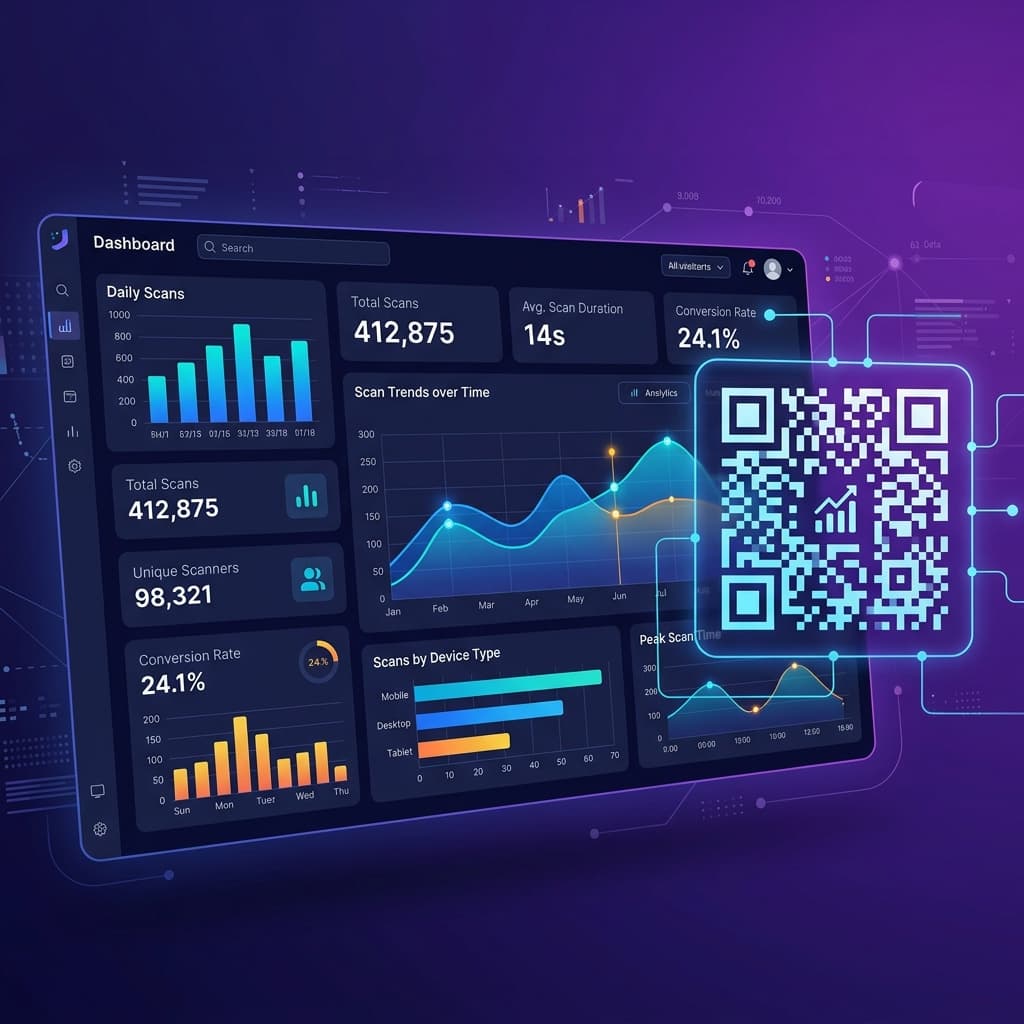
Beyond Scan Counts: Why Raw Numbers Lie
You printed 10,000 flyers with a QR code and got 500 scans. Is that good? Bad? The honest answer: you can't tell from scan counts alone.
A scan count is the vanity metric of QR code marketing. It tells you something happened, but not whether it mattered. Did those 500 scans come from 500 different people, or 50 people scanning repeatedly? Did they convert into customers, or bounce in two seconds?
To make real marketing decisions, you need to go deeper. Here's the framework for understanding which QR code metrics actually drive business value.
The Metrics That Matter
1. Unique Scans vs Total Scans
Total scans counts every single scan event, including repeat scans by the same device. Unique scans filters by device fingerprint to show how many individual people interacted with your code.
Why this matters: If your total scans are 500 but unique scans are only 80, you might have a placement problem (the same people keep passing it) rather than a reach success. The ratio between total and unique tells you about engagement depth versus breadth.
Benchmark: A healthy unique-to-total ratio is typically 60–80%. Below 40% suggests the same audience is scanning repeatedly, which may or may not be desirable depending on your goal.
2. Geographic Distribution
Where are your scans coming from? This is enormously valuable for physical marketing campaigns.
Consider this scenario: You place QR codes on posters in five different neighbourhoods. Your analytics show that 70% of scans come from just one location. Now you know:
- Which locations have engaged foot traffic
- Where to double down on your next campaign
- Which areas need different creative or placement strategies
Pro tip: Cross-reference geographic data with conversion rates. A location with fewer scans but higher conversions may be more valuable than a high-scan, low-conversion spot.
3. Device and OS Breakdown
Knowing whether your audience scans from iOS or Android—and which browser they use—directly impacts your technical decisions.
| Insight | Action |
|---|---|
| 85% iOS users | Prioritise Safari compatibility, consider Apple Wallet integration |
| Heavy Android presence | Test landing pages on Chrome and Samsung Internet |
| Older OS versions detected | Avoid bleeding-edge CSS or JavaScript features |
| Tablet scans detected | Consider responsive layouts for larger screens |
This data also tells you about your audience's demographics. In many markets, device type correlates with purchasing power, age group, and tech savviness.
4. Time-of-Day and Day-of-Week Patterns
When are people scanning? This metric reveals behavioural patterns that inform everything from content scheduling to staffing decisions.
Example insights:
- Restaurant QR menus scanned most between 12–2 PM and 6–9 PM → Confirms usage during meal times
- Event posters scanned heavily on Mondays and Tuesdays → People plan their weekends early in the week
- Product packaging scanned evenly throughout the day → Indicates home usage, not in-store impulse
Use time patterns to:
- Schedule landing page updates before peak scan windows
- Align promotional content with high-activity periods
- Identify unexpected off-hours engagement that might indicate new use cases
5. Scan-to-Conversion Rate
This is the metric that connects QR code activity to business outcomes. A "conversion" depends on your goal:
- E-commerce: Purchase completed after scan
- Lead generation: Form submitted after scan
- Restaurant: Order placed from digital menu
- Event: Registration completed after scan
To track this, ensure your QR code landing page has proper analytics set up (Google Analytics events, UTM parameters, or your platform's built-in tracking).
Benchmark: A good scan-to-conversion rate varies wildly by industry, but 5–15% is a solid starting point for well-targeted campaigns. Below 3% suggests a disconnect between the QR code context and the landing page experience.
6. Scan Velocity (Rate of Change)
Don't just look at totals—look at trends. Is your scan rate accelerating, steady, or declining?
- Accelerating: Your placement is gaining traction. Consider scaling.
- Steady: Consistent performance. Good for ongoing placements like menus or product packaging.
- Declining: The campaign is losing steam. Time to refresh creative, update placement, or retire the code.
Track velocity weekly rather than daily to smooth out day-of-week effects.
Building a QR Code Analytics Dashboard
Here's how to structure your analytics review for maximum impact:
Daily Quick Check (2 minutes)
- Total scans in the last 24 hours
- Any anomalies (sudden spikes or drops)
Weekly Review (15 minutes)
- Unique vs total scan trends
- Geographic performance by location
- Device breakdown changes
- Scan velocity direction
Monthly Deep Dive (30 minutes)
- Conversion rate analysis per campaign
- ROI calculation: (revenue from QR conversions) ÷ (campaign cost)
- A/B test results from any destination swaps
- Recommendations for next month's strategy
Common Analytics Mistakes to Avoid
1. Ignoring Context
A QR code on a billboard in Times Square will get more scans than one on a café receipt. Raw numbers without context are misleading. Always compare like-for-like.
2. Optimising for Scans Instead of Conversions
It's tempting to celebrate high scan counts, but if those scans don't lead to meaningful actions, you're optimising for the wrong thing. Focus on what happens after the scan.
3. Not Setting Baselines
Before launching a campaign, document your expected scan rate and conversion targets. Without baselines, you can't measure success or failure—only activity.
4. Checking Too Frequently
Hourly checks on a weekly campaign create noise and anxiety. Match your review cadence to your campaign's lifecycle.
Connecting Analytics to Strategy
The real power of QR code analytics isn't in the numbers themselves—it's in the decisions they enable:
- Low scans, great placement → The QR code isn't visually prominent enough. Redesign with a stronger call-to-action and clearer contrast.
- High scans, low conversions → The landing page doesn't match the promise. Align the page experience with user expectations.
- Strong weekday, weak weekend → Your audience engages during work contexts. Tailor content for professional use cases.
- Single location dominance → Reallocate budget from underperforming locations to winners.
Start Tracking What Matters
QR Spark gives you all these metrics out of the box—scan counts, unique visitors, geographic data, device breakdowns, and time-series analytics. No extra setup required. Just create a dynamic QR code, deploy it, and watch the data flow in.
The best time to start measuring? Before your next campaign goes live.